
How to contact Scanfully support
The Scanfully dashboard has a Support page, so you can contact support without leaving it. You can also email support@scanfully.com.
To open it, click your name at the bottom of the menu and choose Support.
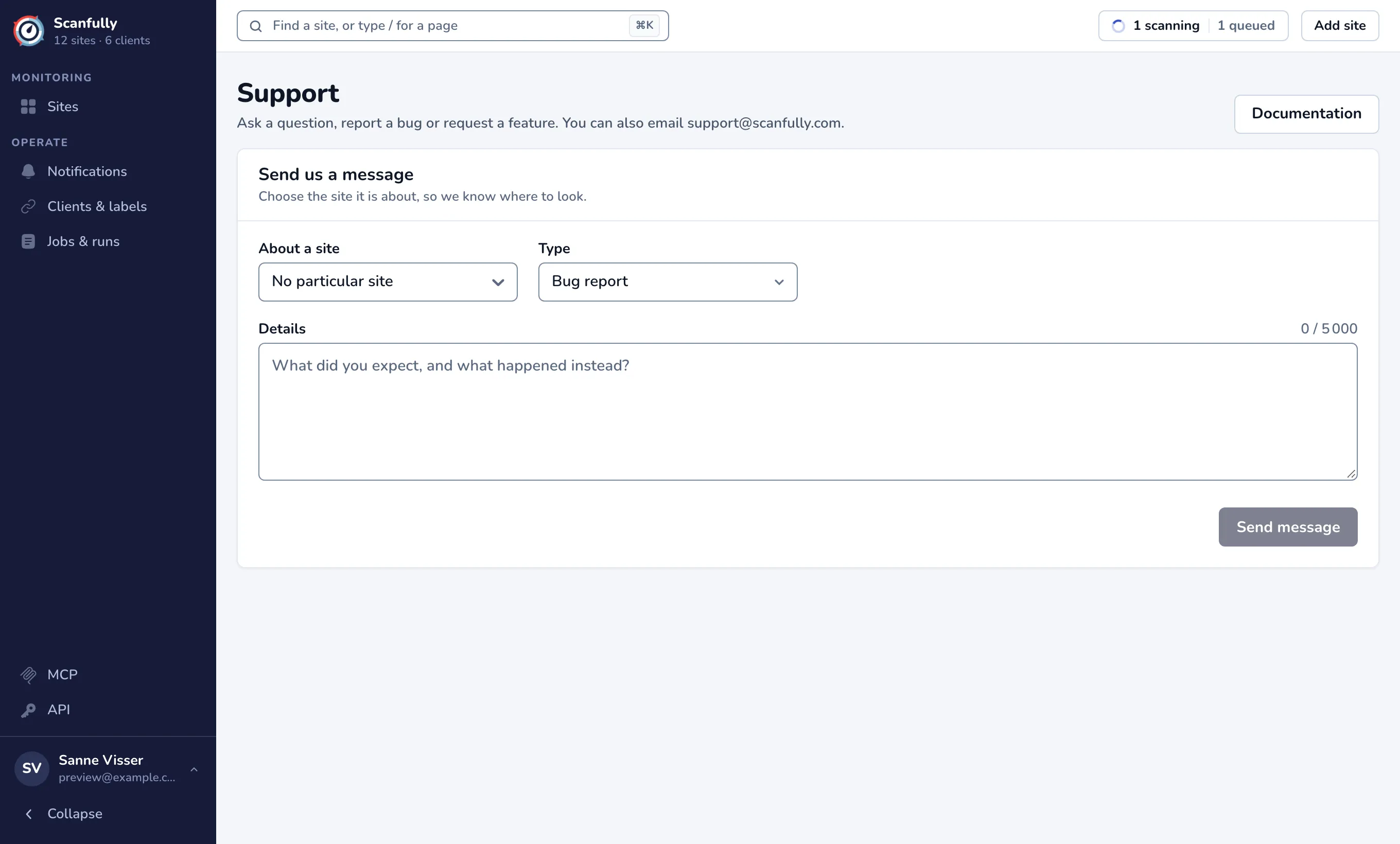
Send a message
Section titled “Send a message”- Under About a site, choose the site your message is about, so support knows where to look. Start typing to search. Choose No particular site if it is not about one.
- Under Type, choose Bug report, Feature request or Question or something else.
- Write your message under Details: what you expected, and what happened instead. A message can be up to 5,000 characters.
- Click Send message.
When it is sent, the page shows Message sent, and support gets back to you as soon as they can. If sending fails, your message stays in the form: try again, or email it to support@scanfully.com.
Tips for a quick answer
Section titled “Tips for a quick answer”- Choose the site, even when you also name it in your message.
- Mention the page in the dashboard where you saw the problem, and what you clicked.
- For a change made through the API or an AI app, include the request id from the entry’s Details in the audit log.